Start with one unmistakable subject
The image supplies the central person or pet. Choose one main subject with a visible face and enough space around the head and body. The choir is added by the selected preset; it does not need to appear in the photo. Avoid group photographs where several faces could become the intended lead.
A person wearing a distinctive outfit can give the composition character. A pet can supply a different mood. Select the image for the subject you want in the center, then choose the surrounding cast separately.
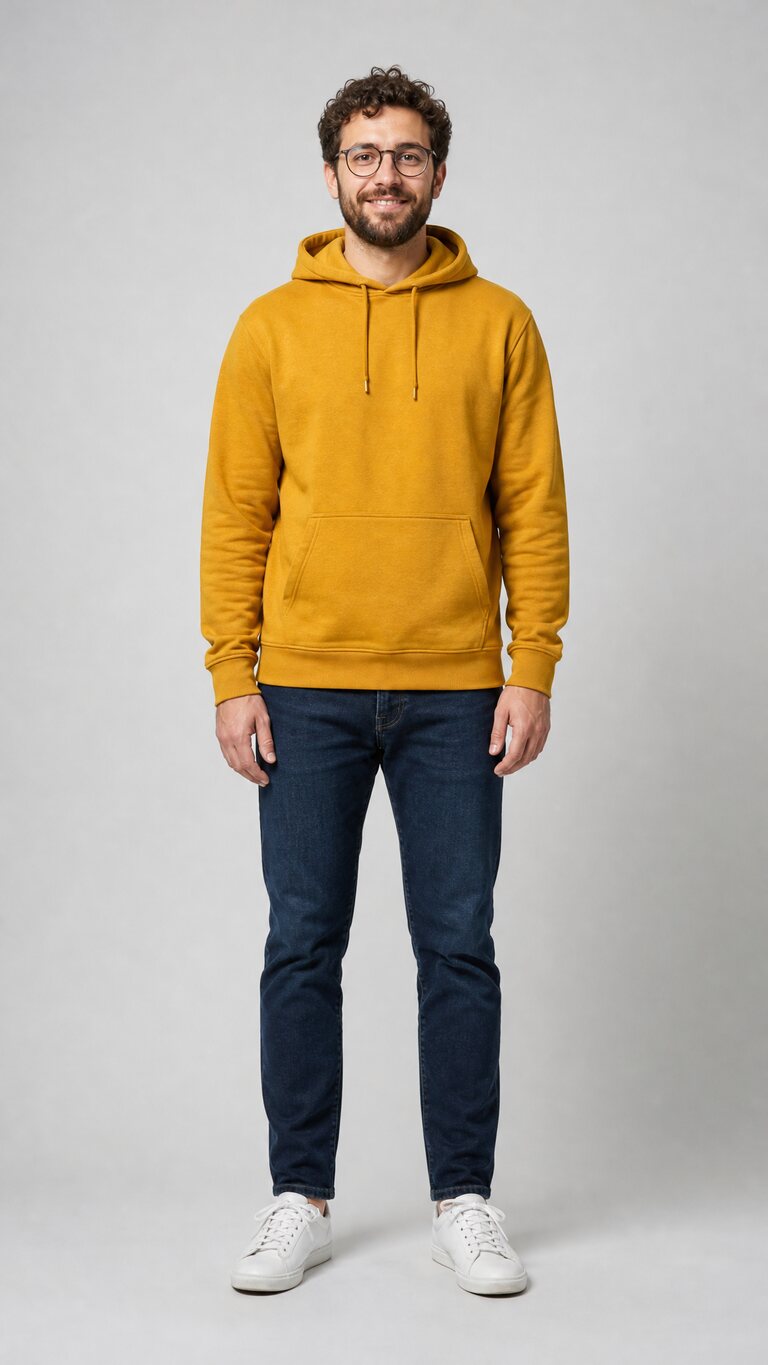
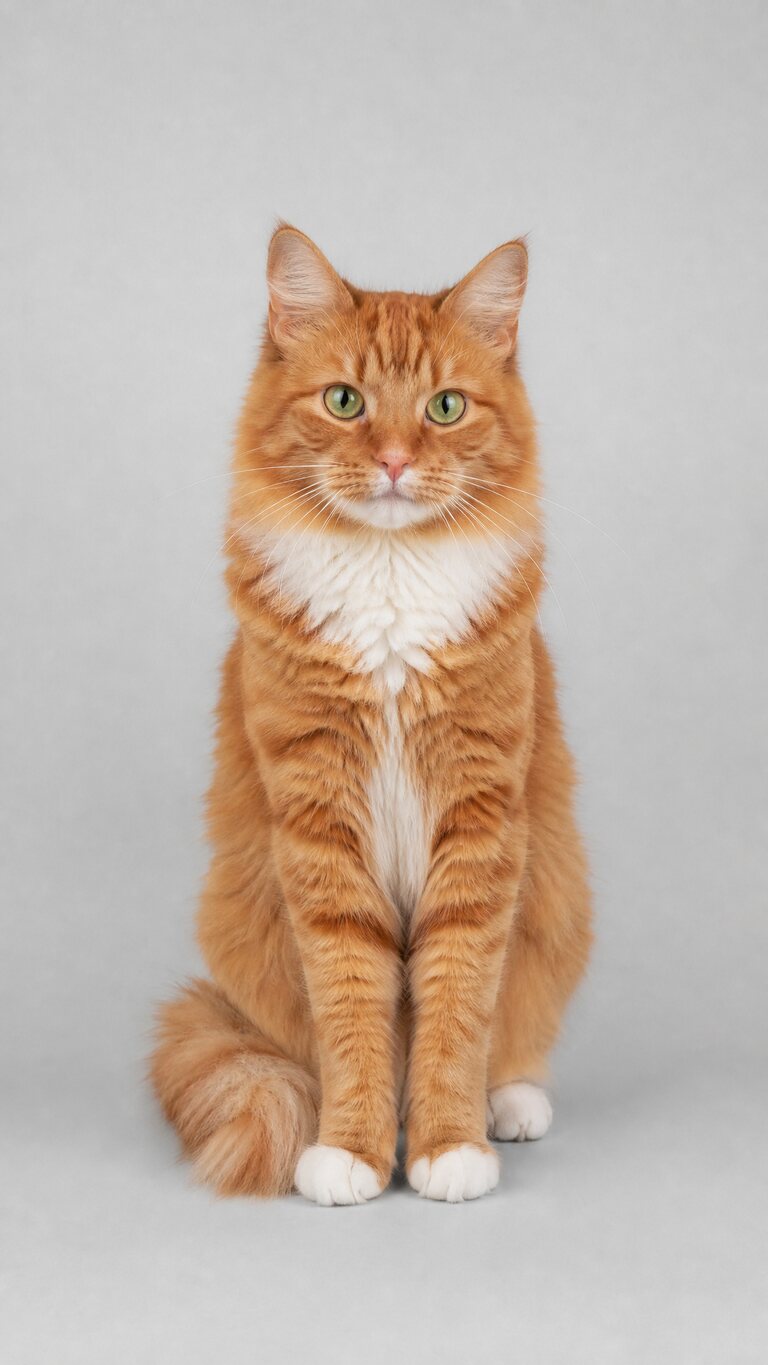
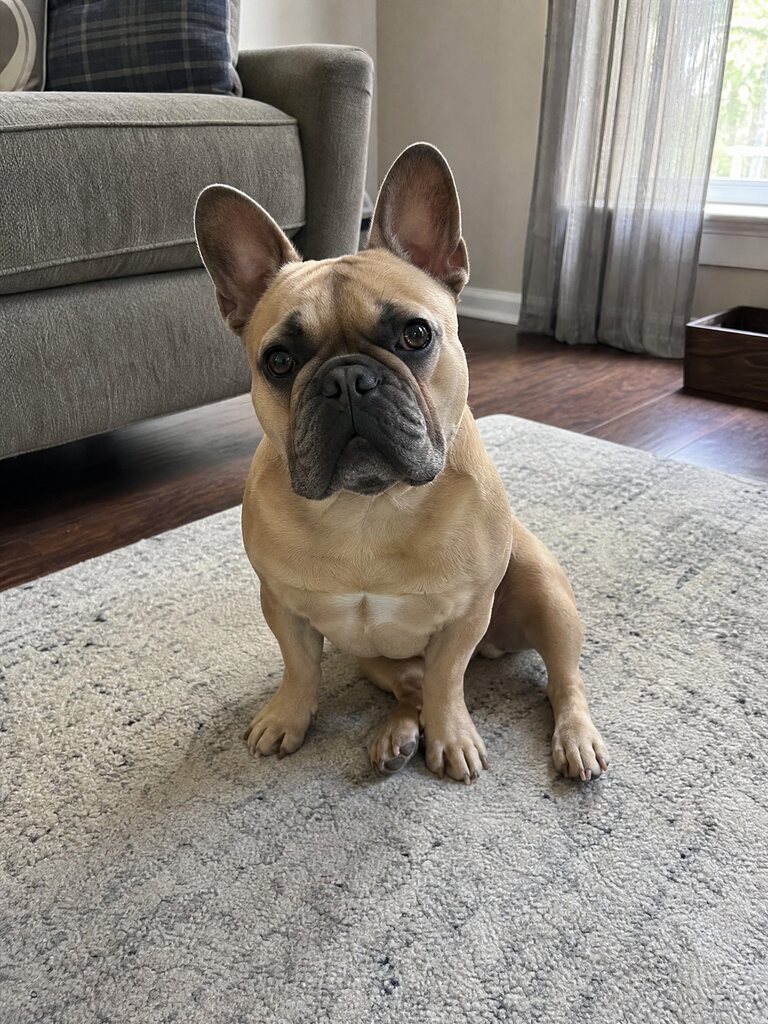
Make the face and outline easy to see
- Face the light. Soft daylight or a nearby window gives the face a more readable shape than a strong light behind it.
- Choose a sharp original. Enlarge it to check facial detail and avoid a compressed thumbnail or heavily blurred screenshot.
- Leave room around the subject. Do not crop through the head or hide the body behind a large foreground object.
- Remove visual competition. Avoid another face, a busy reflection or a bright object directly beside the intended lead.
Taking a new person photo
Hold the camera level, clean the lens and step back until the subject fits comfortably inside the picture. Tap to focus on the face and take a second shot if the subject moves. Compare both at full size before choosing one.
Taking a new pet photo
Photograph the animal at roughly its eye level. Wait until its face is unobstructed and visible. Keep hands, toys and blankets away from the head. A calm moment is easier to photograph clearly than a running pet.
Check the upload requirements
- One JPG, PNG or WebP image, up to 10 MB.
- Width and height are each 301–5999 pixels.
- Width divided by height is greater than 0.4 and less than 2.5.
- Use an actual readable image, not a different file renamed with an image extension.
The input photo's dimensions do not choose the video's format. Select 16:9 landscape or 9:16 portrait in the generator. Each quality keeps its own credit cost: 480p uses 50 credits and 720p uses 100.
Prepare private details before uploading
Use a photograph you own or have permission to transform. Obtain consent from people shown. Remove identifying details you do not want sent for processing, such as an address, a document or a recognizable background location. Review the finished video before sharing it publicly.
Uploaded photos are deleted 24 hours after upload; completed private videos are retained for 14 days after completion. A local browser draft expires after 24 hours. Read the Privacy Policy for the handling of private tasks and authorized public examples.
Match the photo with a choir
A cat photo and the Cats preset have different roles. The photo chooses the lead; the preset chooses the performers surrounding it. Compare the team examples and browse all 12 choirs before deciding.
When the image is ready, open the Closed on Sunday AI generator. Review your settings and charge, or follow the complete tutorial. The pricing page explains how many requests each pack covers.